
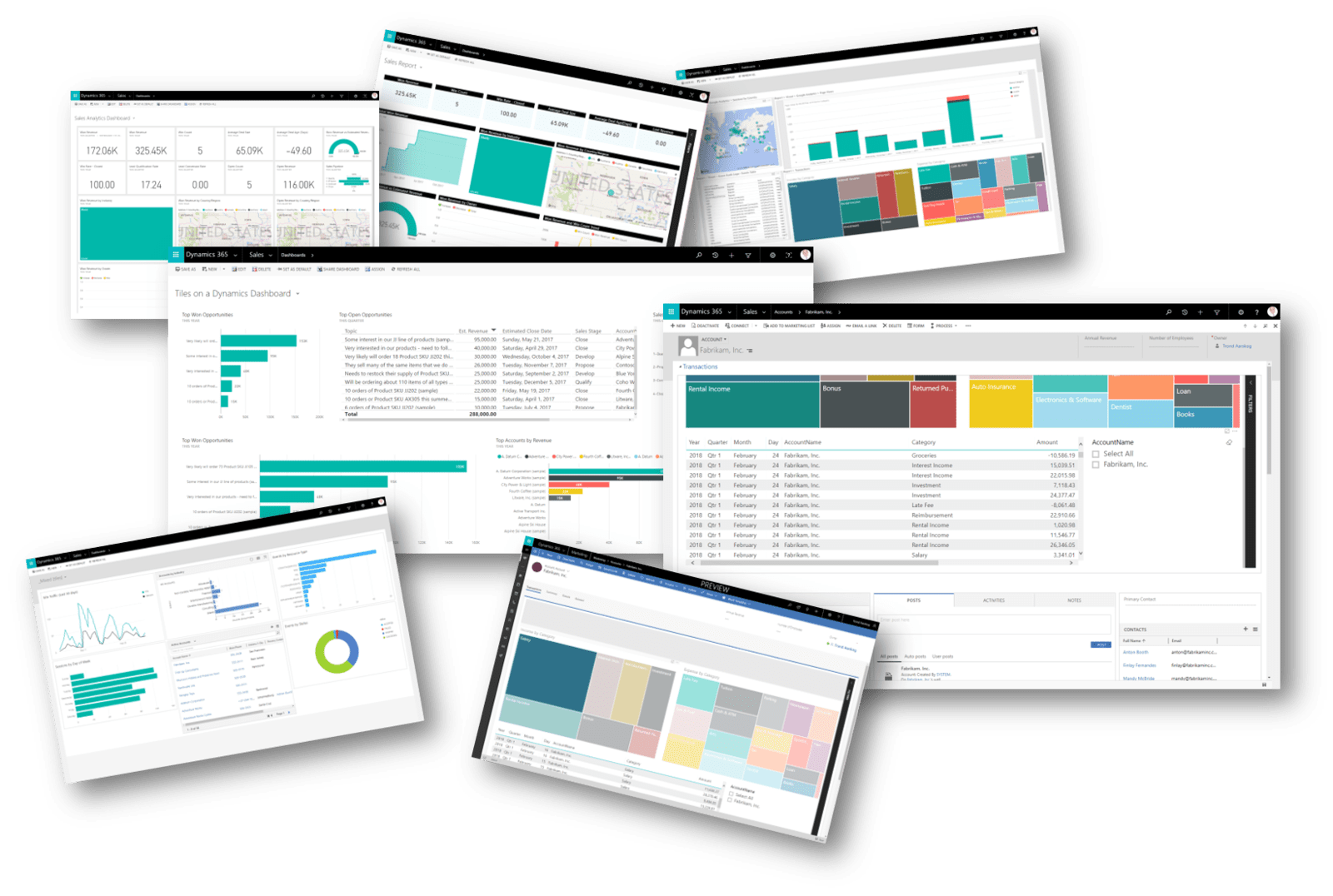
Data visualization has become an essential aspect of modern business decision-making. It helps to make sense of complex data sets by transforming them into easily understandable visual formats that can help users understand their data and make informed decisions. Data visualization can help users tell stories with their data, communicate insights effectively, and discover hidden patterns and trends.
Among the many tools available for data visualization, Power BI is emerging as a leader in the field. In this blog post, we will explore the reasons why Power BI will be the de facto tool for data visualization.
1. Integration with the Microsoft Suite
1. Integration with the Microsoft Suite
Power BI is developed by Microsoft and not only integrates seamlessly with other Microsoft tools such as Excel, SharePoint, and Dynamics 365 but also with other third-party applications such as Salesforce. This means that users can easily import data from these tools to create dashboards and reports with just a few clicks to collaborate with others.
2. Easy to use
2. Easy to use
Power BI is easy to use, even for non-technical users. The interface is intuitive, and the drag-and-drop functionality allows users to create custom visualizations without any coding. Power BI also has a vast library of pre-built visualizations that can be easily modified to suit any needs. It leverages the latest advances in Microsoft AI to help non-data scientists prepare data, build machine learning models and find insights from both structured and unstructured data, including text and images. Users can also use natural language queries to ask questions about their data or use automated insights to get suggestions for relevant visualizations.
3. Data Modelling & AI Capabilities
3. Data Modelling & AI Capabilities
Power BI has a powerful data modelling feature that allows users to create complex relationships between data sets. This makes it possible to create dynamic dashboards that update in real-time as data changes. With capabilities like data warehousing, data discovery, and interactive dashboards, it enables users to perform end-to-end analytics without switching between different tools or platforms. Power BI leverages advanced AI capabilities to enhance data analysis and visualization. Users can use natural language queries to get answers from their data in plain English. They can also use automated machine learning to discover hidden insights or apply cognitive services to extract text or sentiment from images or documents.
4. Collaboration
4. Collaboration
Power BI is a cloud-based tool, which means that users can access their dashboards and reports from anywhere with an internet connection. This makes it easy for remote teams to collaborate on data analysis projects. Power BI makes it easy for users to collaborate with others on their data projects. Users can publish their reports and dashboards to the Power BI service or app where they can be accessed by anyone in their organisation or outside partners. They can also comment on visuals, annotate reports, or co-author content using Office 365 tools.
5. Scalability
5. Scalability
Power BI can handle large datasets with ease. It can connect to a wide range of data sources, including cloud-based data warehouses and big data platforms like Hadoop. Power BI also supports real-time data streaming, which makes it suitable for monitoring real-time data feeds. Furthermore, Power BI is easily scalable across the entire organisation, allowing users to publish reports internally or externally without requiring individual licenses per user. Users can also benefit from increased data capacity limits, maximum performance, flexibility, security, governance and compliance features with Power BI Premium.
6. Cost-effective
6. Cost-effective
Power BI is a cost-effective tool for data visualization. It has a free version that allows users to create basic visualizations and dashboards. The paid version offers more features such as data governance, collaboration, and advanced analytics.
7. Community Support
7. Community Support
Power BI has a vibrant user community that provides support, tutorials, and tips on how to use the tool effectively. This community has contributed to the development of custom visualizations and plugins that extend the functionality of Power BI.